
The editor
A full banner editor, in your browser.
Adcropper's browser-based editor is DOM rendered and animation first. Design every size of a campaign on one canvas, animate it on a keyframe timeline, and hand it straight to data and publishing from the same tab. Or hand the brief to an AI agent over MCP and let it build the set for you.
 DesignAnimate
 auto_awesome
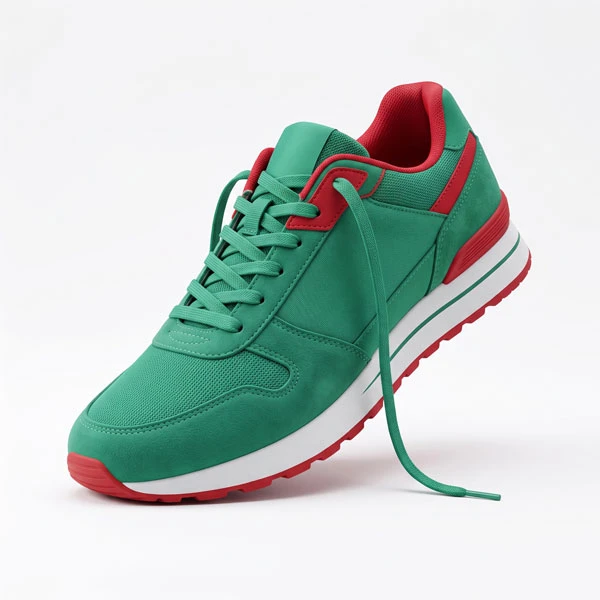
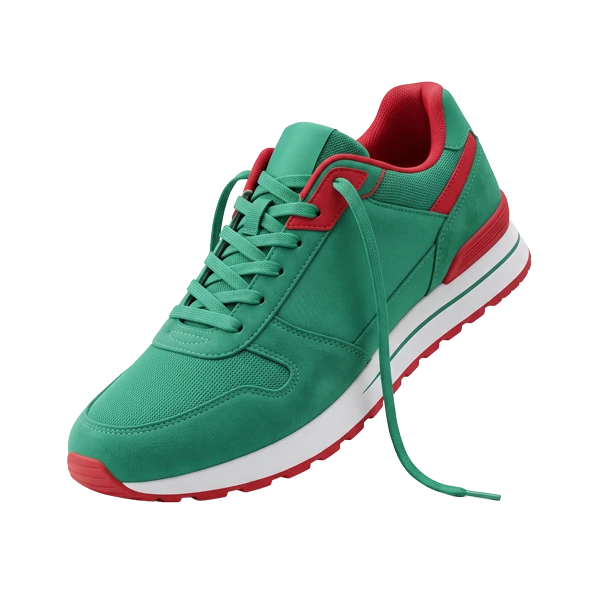 Enter text hereBest shoesin theworldarrow_selector_tool
AI agents · MCP
Describe the set. Let an agent build it.
Connect Claude, ChatGPT or any MCP client to the Adcropper MCP server and brief it like a designer: sizes, feed, brand fonts, CTA. The agent lays out every stage in your open editor tab, binds layers to your feed, renders a preview, reviews the result and saves, while your team watches the banners appear live.
- chat
Claude Desktop
New chat with the Adcropper connector
- terminal
Claude Code
Terminal or the Code tab, from your project folder
- smart_toy
ChatGPT
Desktop app with the MCP server added once
- hub
DeepSeek & more
Any MCP client, such as Cherry Studio, Chatbox or LobeChat
You sign in with your own Adcropper account, so the agent works in your open editor tabs. There is no pairing code and no exported file. While an agent is editing, the set is locked for everyone else and their tabs follow its changes live.
Setup guide and tool referencearrow_forwardBuild a 300×250, 728×90 and 1080×1920 set for the spring sale from products.xml. Use the brand fonts, keep the logo top-left, CTA “Shop now”.
- apply_plan
- connect_feed
- update_layer
- render_preview
- review
- save
Done. 3 stages built from the spring template, 6 layers bound to products.xml, logo checked on every size. Preview attached.
Every write goes through validation and a rendered review; undo, rollback and version snapshots stay one call away.
Features
What's included
Multi stage canvas
Every banner size in a campaign lives side by side on one infinite workspace, so a 300×250, a 728×90, and a 1080×1920 story are all edited in the same place. Duplicate a stage to start a new size from an existing one, jump between sizes from the stages overview, and keep the whole set visually consistent without juggling separate files.
200+ animation presets
Pick from a library of entry, main, and exit presets, or switch to keyframe mode and hand key position, scale, rotation, opacity, and filters on the timeline. Easing curves, drag-to-resize segments, and copy/paste between keyframes make motion work feel like a desktop tool rather than a banner template.
Live feed preview
Once a layer is bound to a feed field, the editor renders live rows from that feed on the canvas: product names, prices, images and video posters. Step through rows to catch long titles, missing images, or awkward line breaks before a single variant goes live.
Real time collaboration
Teammates working on the same creative show up with live cursors and presence, so design and review can happen in one session. Comments and approvals sit next to the creative itself, keeping feedback attached to the work instead of scattered across email threads.
Per variant fonts
Use the Google Fonts library or upload your own brand fonts, and the editor detects every weight, style and width in the file, including Condensed and Expanded cuts. Each layer uses the exact variant you pick, and the same fonts render identically in the published creative.
Custom widgets
Add interactive components as regular layers on the canvas: countdowns, carousels, scratch cards, or anything you can build in HTML, CSS and JavaScript. Write the code in the built in editor, or describe what you need and let AI generate it for you.
Let's build your creative pipeline together.
Tell us about your team, your channels and your volume, and we'll show you where Adcropper fits in your creative pipeline.